
Razer Core X V2 External Graphics Enclosure
4.0Editor score
Thunderbolt 5 Up to 80Gbps
4-Slot Wide GPU Accommodation
Active Cooling with 120mm Fan
This guide compares the top ten Egpu Docks for 2026, evaluating bandwidth, cooling, portability, and GPU support to help you choose the best external enclosure.
Egpu Docks have revolutionized how users enhance their laptop graphics performance, offering desktop-level power in a portable form factor that fits into any modern workspace or travel setup.
We compared ten leading models based on bandwidth speed, cooling efficiency, GPU compatibility, and ease of setup to ensure you find the right match for your specific computing needs.
Each pick highlights unique strengths and trade-offs so you can decide quickly; keep in mind that availability and configurations change often, so check current listings before buying.
4.0Editor score

4.4Editor score

4.5Editor score
The following table provides a side-by-side overview of all ten models to help you quickly compare key specifications like interface type, power support, and special features.





The MINISFORUM DEG2 stands out as the top pick for its dual-mode flexibility, supporting both USB4 V2 and OCuLink for unmatched bandwidth options in 2026.
We may earn a commission when you buy through this link, at no additional cost to you.
Its integrated M.2 NVMe slot allows users to store AI models and project files directly on the dock, reducing the need for file transfers between devices.
While the price reflects its premium features, the ability to switch modes via a hardware toggle ensures long-term compatibility with evolving host devices.
Buyers seeking maximum throughput and future-proofing should consider this dock, especially if they value integrated storage and seamless power-on features.
The hardware switch allows instant transitions between TB5 and OCuLink modes without swapping cables or adjusting software settings.
Storing files locally on the dock reduces latency and keeps your workspace synchronized across different host machines.
We may earn a commission when you buy through this link, at no additional cost to you.
This variant emphasizes streaming tasks by allowing heavy GPU tasks to run on desktop graphics while the ultrabook handles display and control.
We may earn a commission when you buy through this link, at no additional cost to you.
It offers rich connectivity including a 2.5G LAN port and multiple USB options, ensuring your peripherals connect without bottlenecks.
The signal-optimized design reduces dropouts which is critical for high-bandwidth activities like 8K rendering or LLM inference workloads.
Enthusiasts who need a robust setup for professional workloads will appreciate the flexibility and performance stability this unit offers.
Heavy GPU tasks run on the desktop card while your ultrabook handles display, keeping mobility without sacrificing power.
Designed to ensure seamless interoperability across diverse cables, host devices and GPUs, reducing signal loss and dropouts.
We may earn a commission when you buy through this link, at no additional cost to you.
The DEG1 is an affordable solution for users who prioritize portability, fitting easily into a backpack for on-the-go performance upgrades.
We may earn a commission when you buy through this link, at no additional cost to you.
It uses the Oculink 4i interface to deliver solid transfer rates while keeping the unit significantly smaller than full-size enclosures.
Though it lacks hot-plugging support, the Force Power On feature simplifies startup, ensuring stable system operation without manual settings every time.
Budget-conscious users needing a reliable link for gaming or light professional work will find this a highly practical and portable choice.
At about 14 cm long, it can be easily put into a backpack or handbag to upgrade your laptop performance anytime.
One-click switching between forced startup and follow-up startup modes ensures stable system operation without manual adjustments.
We may earn a commission when you buy through this link, at no additional cost to you.
This dock offers a straightforward connection path with a detachable design that improves portability and ease of storage for users on the move.
We may earn a commission when you buy through this link, at no additional cost to you.
The PCB features 10 micron gold-plated contacts to ensure superior conductivity and reduce oxidation-related resistance that could cause crashes.
Multi-status LED indicators provide clear visual feedback for real-time device monitoring which helps troubleshoot connection issues quickly.
Users looking for a no-frills enclosure with reliable connectivity will appreciate the durability and simplicity of this unit.
Our enclosure detachable design on both ends for improved portability and easy storage with premium aesthetics.
PCB board with 10 micron gold-plated contacts ensure superior conductivity and reduce oxidation/rust-related resistance.
We may earn a commission when you buy through this link, at no additional cost to you.
Designed for future performance, this dock supports PCIe 5.0 x4 which offers double the bandwidth of current PCIe 4.0 models.
We may earn a commission when you buy through this link, at no additional cost to you.
The full aluminum material provides great heat dissipation ensuring sturdy durability while avoiding the need for extra adapters.
Most existing ports only support 64Gbps but this dock enables full PCIe 5.0 speed if you have the necessary host adapter.
Tech enthusiasts wanting to prepare for next-gen graphics cards should consider this unit for its forward-looking capabilities.
The Oculink eGPU Dock supports PCIe 5.0 x4 with up to 128Gbps bandwidth backward compatible 4.0/3.0.
Full aluminum material for great heat dissipation and sturdy durability with factory-soldered cable to avoid adapters.
We may earn a commission when you buy through this link, at no additional cost to you.
The UGREEN LinkStation offers dual-channel performance allowing you to choose between high-speed OCuLink or universal USB4 for compatibility.
We may earn a commission when you buy through this link, at no additional cost to you.
Its semi-open all-aluminum chassis delivers efficient cooling ensuring true library-quiet operation while keeping your setup clean with cable storage.
Connectivity is robust with support for NVIDIA, AMD, and Intel GPUs along with 100W PD charging for your laptop.
Users needing a versatile hub for laptops, handhelds, and Mini PCs will find this setup highly efficient and quiet.
Choose your high-speed lane: OCuLink for near-zero latency or USB4 for universal compatibility and hot-swap convenience.
The semi-open all-aluminum chassis and large low-RPM ATX 3.1 PSU fan deliver efficient cooling and library-quiet operation.
We may earn a commission when you buy through this link, at no additional cost to you.
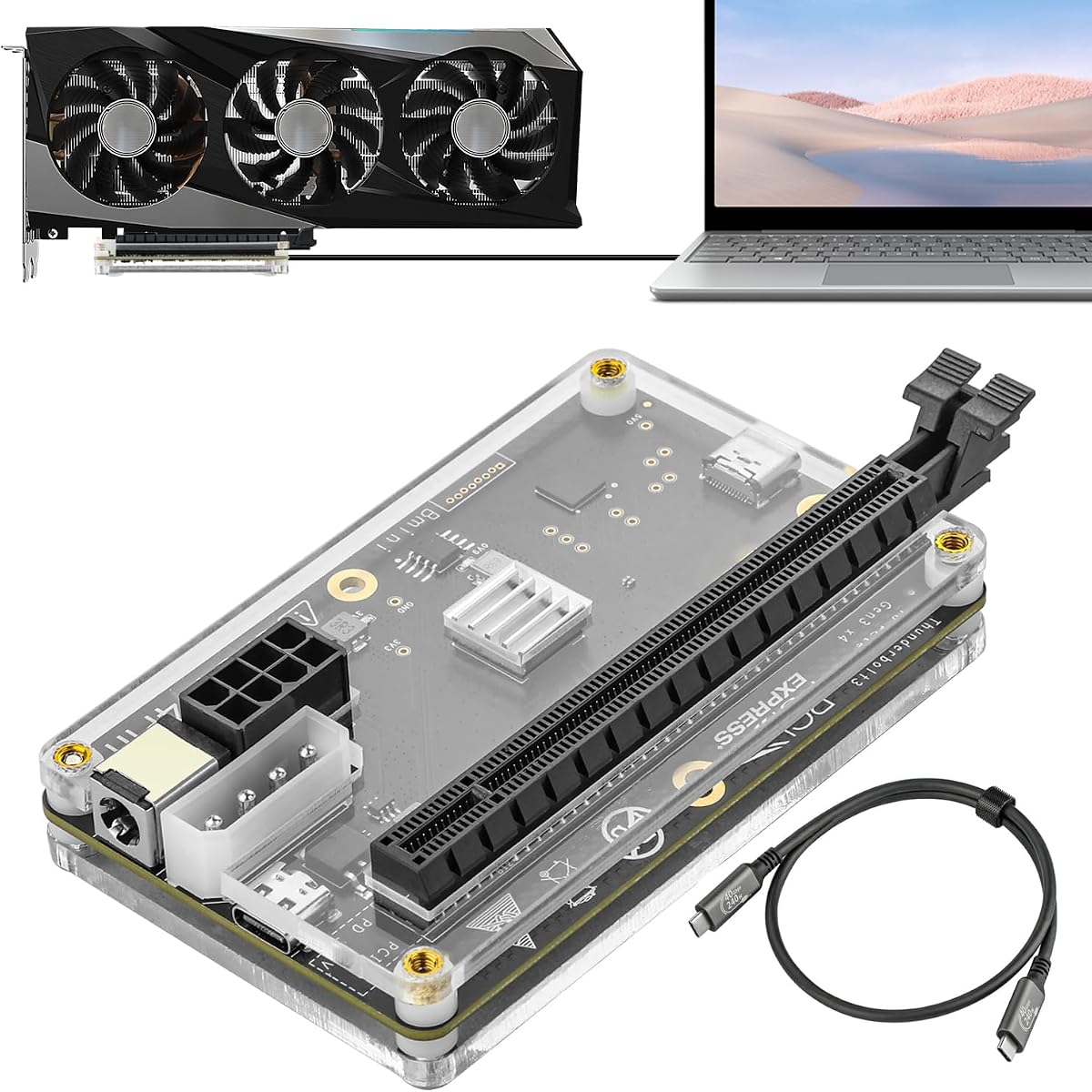
This model uses the JHL6340 controller delivering speeds around 22Gbps which is suitable for gaming and video editing tasks.
We may earn a commission when you buy through this link, at no additional cost to you.
Flexible power input options include CPU Molex PD 3.0 or DC5521 allowing you to match your existing power supply setup.
It supports most Windows laptops desktops or consoles with a Thunderbolt port making it versatile for a wide range of hardware.
Users with older devices needing a basic graphics boost will find this a practical and budget-friendly solution for their needs.
Flexible 4 power input options choose one: CPU Molex PD 3.0 or DC5521 for various power supply needs.
The device uses the JHL6340 controller delivering speeds around 22Gbps compatible with both Win10 and Win11.
We may earn a commission when you buy through this link, at no additional cost to you.
This station supports Oculink and TBT5 allowing you to switch between modes with a physical toggle no cable changes needed.
We may earn a commission when you buy through this link, at no additional cost to you.
It stores models and project files on its internal M.2 slot for faster GPU access which streamlines your creative workflow significantly.
Signal optimized design ensures seamless interoperability across diverse cables GPUs and host devices minimizing connection errors effectively.
Users wanting a reliable dock for desktop GPU expansion will find its features and connectivity options highly practical.
This DEG2 Docking Station supports Oculink and TBT5 just switch between TB5 and OCuLink with a physical toggle.
Stores models and project files on its internal M.2 slot for faster GPU access ensuring mobility without sacrificing power.
We may earn a commission when you buy through this link, at no additional cost to you.
Powered by the JHL7440 controller this dock shows high performance on gaming AI training and 3D modeling tasks.
We may earn a commission when you buy through this link, at no additional cost to you.
It features a 40Gbps 85W PD Charging TB4 port making this external GPU docking station also act as a functional hub.
Support for NVIDIA and AMD GPUs ensures you can use the latest graphics cards to enhance your local workflow.
Users needing a simple reliable hub and dock combo will appreciate its broad compatibility and functional design.
With officially certified JHL7440 controller module showing high-performance on gaming AI training and 3D modeling.
Built with a 40Gbps TB4 port USB A port and daisy chain port which makes this station also as a hub.
We may earn a commission when you buy through this link, at no additional cost to you.
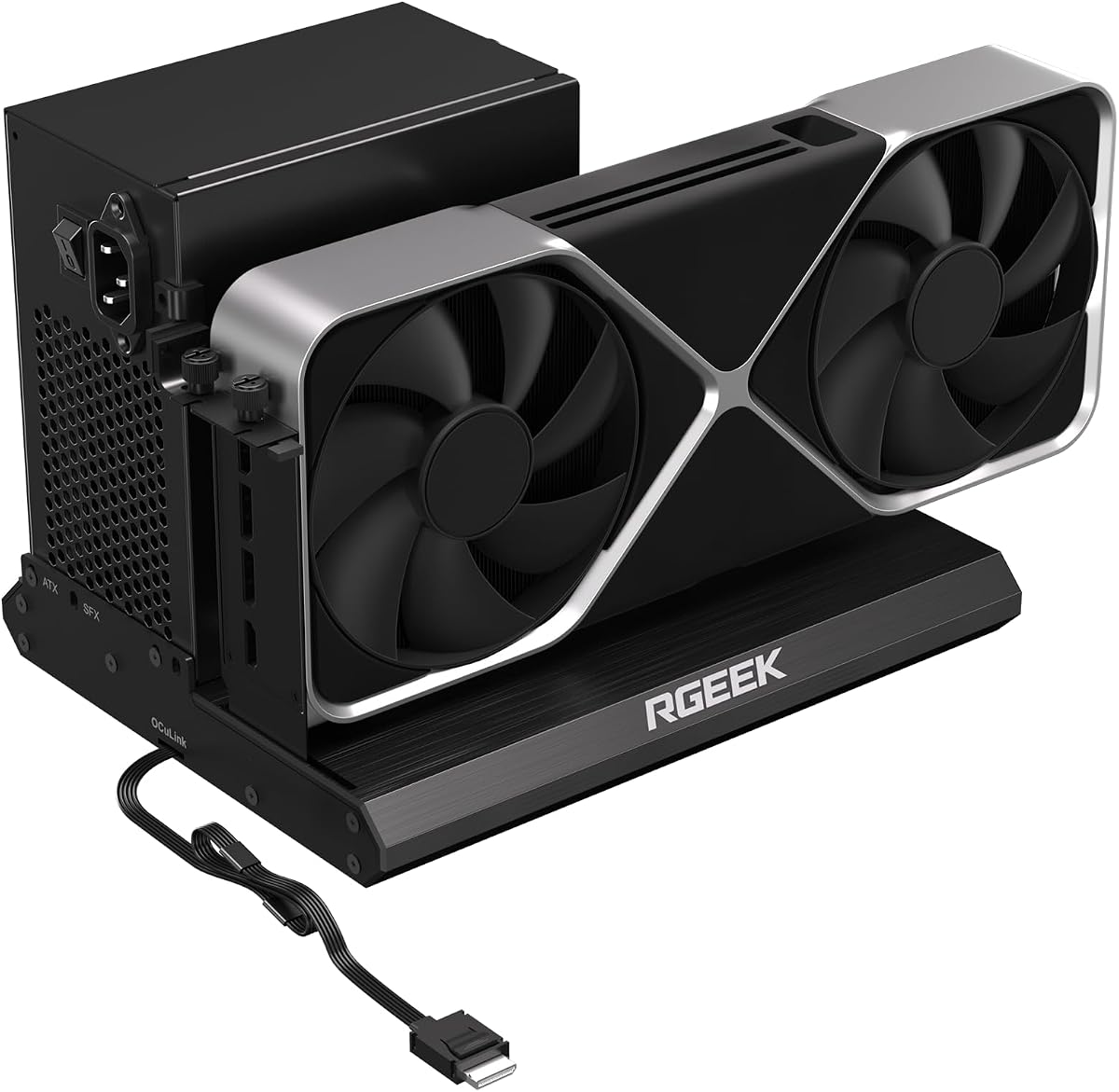
Featuring ultra-fast bandwidth of up to 80 Gbps this enclosure supports Thunderbolt 5 for seamless performance with creative apps.
We may earn a commission when you buy through this link, at no additional cost to you.
Its vented steel chassis with active cooling sustains maximum performance with a built-in 120 mm fan that ramps up during loads.
Modular GPU and PSU support allows you to swap out for the latest GPU using included thumbscrews easily.
Gaming enthusiasts needing desktop power for their laptops will find this enclosure robust enough for heavy AAA titles.
Featuring an ultra-fast bandwidth of up to 80 Gbps enjoy the smoothest performance with a Thunderbolt 5 connection.
Sustain maximum performance with a built-in 120 mm fan that automatically ramps up during heavy loads.
We may earn a commission when you buy through this link, at no additional cost to you.
Choosing the right dock requires understanding interface speed, power requirements, and physical dimensions to match your hardware and workflow.
The connection interface determines how much data can pass between your laptop and the external GPU. Thunderbolt 5 and USB4 V2 offer up to 80Gbps which is ideal for high-end GPUs, while OCuLink provides similar speeds with lower latency. If your device only has older ports, you may face bottlenecks that limit performance.
Look for docks supporting TB5 or OCuLink to ensure you get the most out of modern graphics cards.
Most high-performance GPUs require external power supplies. Check if the dock supports ATX or SFX units which are standard for desktop components. Some docks include PSU mounts while others do not, so confirm what you need to buy separately.
Ensure the dock can deliver enough power to your GPU to prevent instability or crashes.
Enclosures come in different sizes. Some fit only single-slot GPUs while others accommodate dual-slot or even triple-slot cards. If you have a large graphics card, you need a spacious chassis to avoid physical conflicts.
Measure your GPU before buying to ensure it fits inside the enclosure safely.
GPUs generate significant heat under load. Docks with active cooling fans help maintain stable temperatures and prevent throttling. Passive docks rely on your GPU's fans which can sometimes lead to noise issues in small spaces.
Choose a dock with good ventilation to protect your hardware during long sessions.
Beyond the GPU connection, docks often include USB, Ethernet, or display ports. A dock with extra USB ports can reduce clutter by acting as a hub for peripherals. Ethernet ports are useful if you need stable wired internet while using the dock.
Select a model with ports that match your peripheral needs for a cleaner desk.
Some newer docks include M.2 slots for storage. This allows you to keep projects directly on the dock which reduces transfer times when switching hosts. It is a great feature for users working with large media files.
Consider this feature if you want faster access to files stored locally on the dock.
If you plan to travel with your setup, compact models are essential. Docks like the DEG1 are small enough to fit in a backpack, while larger enclosures remain stationary. Decide how often you will move the unit before choosing.
Portable docks are best for users who need graphics power on the go.
Some docks require specific drivers or BIOS updates to work correctly. Check the manufacturer support page for compatibility notes. Hot-plugging support is rare for OCuLink docks so be prepared to restart your computer when connecting or disconnecting.
Research software requirements to ensure a smooth setup process.
Connect your dock to a compatible Thunderbolt or OCuLink port on your laptop or mini PC using the provided high-speed cable to ensure stable data transfer.
Install the latest GPU drivers on your host device and check if your dock requires any specific software updates for full functionality.
Keep the ventilation slots clear of dust and avoid blocking the fans to maintain optimal cooling performance during long usage sessions.
Most docks support standard ATX and SFX power supplies and fit a wide range of NVIDIA and AMD cards. However, check physical dimensions and power requirements since some high-wattage cards may need a specific PSU.
Mac compatibility varies. Thunderbolt docks generally work with Intel-based Macs, but M-series chips have limited support. Check the manufacturer notes before buying if you use an Apple computer.
Thunderbolt offers universal connectivity and hot-plugging with slight latency, while OCuLink provides lower latency and often higher bandwidth but requires specific ports and lacks hot-plug support.
Most docks do not include the power supply or GPU. You will need to purchase an ATX or SFX unit separately to power your graphics card properly.
Thunderbolt docks often support hot-plugging, but OCuLink docks usually require you to shut down the computer before connecting or disconnecting to avoid system errors.
Place the dock in a well-ventilated area and avoid covering the fan vents. Regularly clean dust from the chassis to ensure proper airflow and cooling efficiency.
We have reviewed the top ten Egpu Docks available in November 2026 to help you find the right balance of performance, features, and price.
Prioritize the interface type and GPU size compatibility to ensure the dock works seamlessly with your laptop and graphics card for the best results.
Remember to check current availability and specifications before buying since models and configurations can change frequently.