
Hprosper 2K Webcam
4.2Editor score
1440p Resolution
Auto Light Correction
Privacy Cover Slider
Discover the top 10 2K Hd Webcam under 50 options for crystal clear video calls and streaming. Our expert guide compares features, audio quality, and privacy
Finding a high-quality webcam that delivers sharp video without breaking the bank can be challenging. The market is flooded with options claiming 2K resolution, but not all perform equally. We focus on models that balance clarity, audio, and privacy features under fifty dollars.
Our team analyzed detailed specifications, user feedback, and technical capabilities to compile this list. We prioritize sensors, autofocus technology, microphone quality, and compatibility with major platforms like Zoom and Teams. This ensures you get reliable performance for work or streaming.
Each entry highlights unique strengths such as light correction, noise cancellation, and physical privacy covers. Prices and availability may fluctuate, so check the latest details before purchasing. Use this guide to make an informed decision for your specific video communication needs.
4.2Editor score

4.5Editor score

4.4Editor score
This comparison table breaks down the key technical specifications for all ten selected webcams. We evaluate resolution capabilities, lens fields of view, microphone types, and unique features to help you quickly identify which model fits your setup requirements.

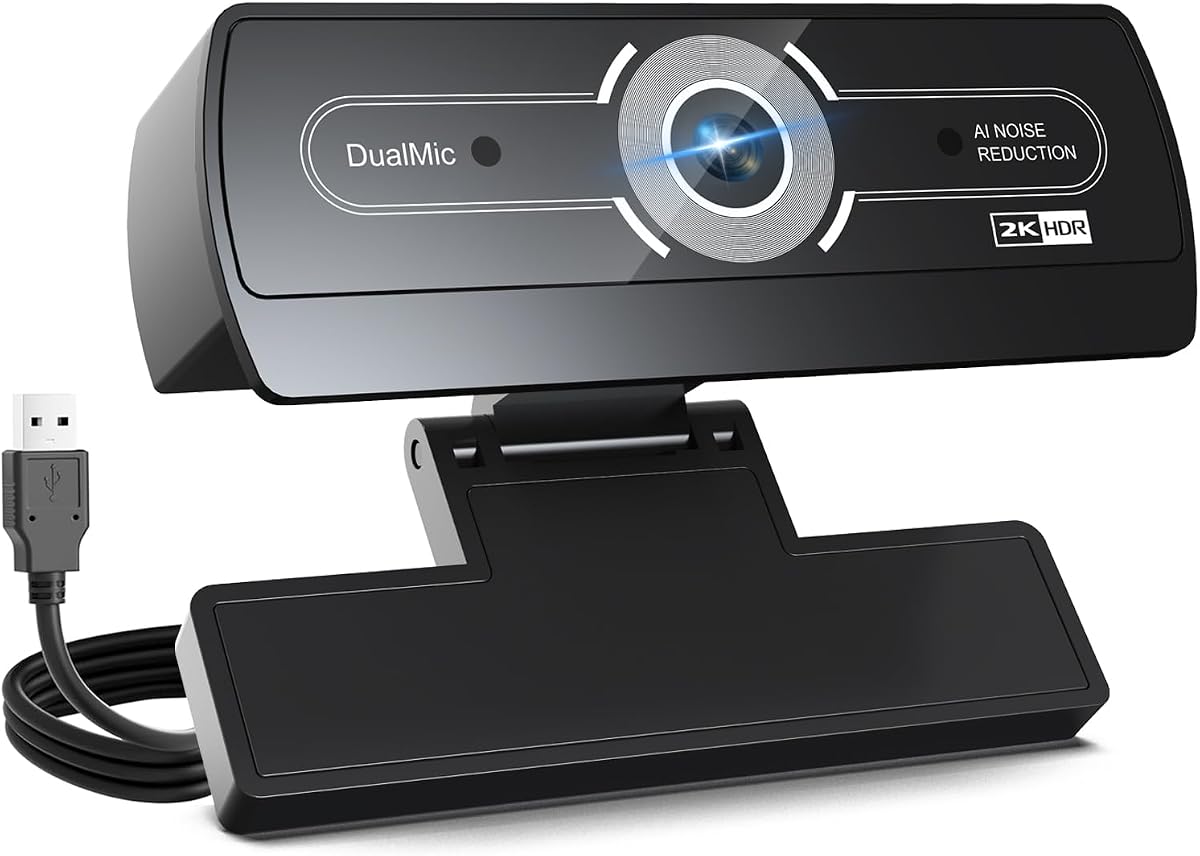
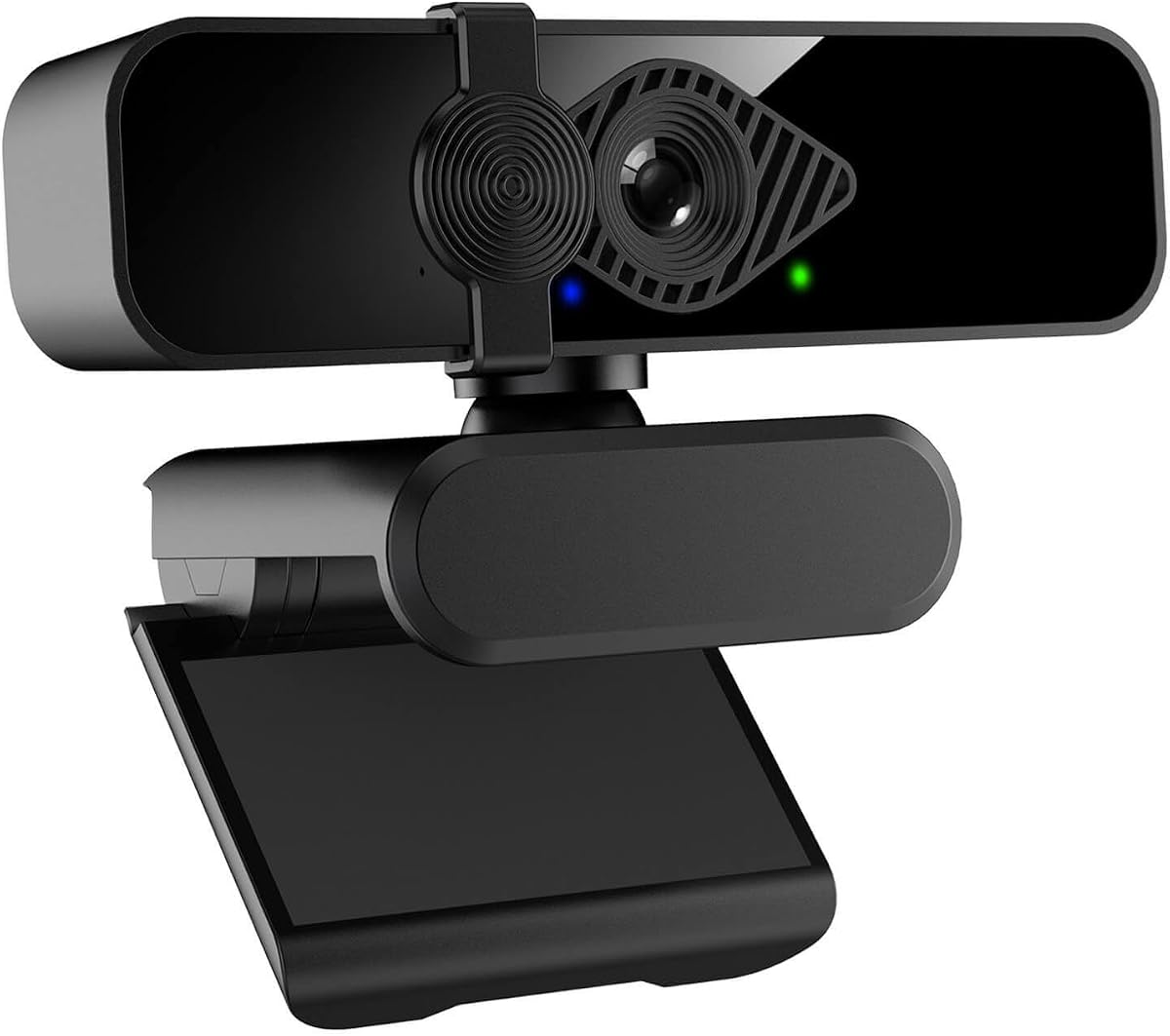


The UGREEN 2K Webcam stands out as the top choice for users seeking reliable video quality on a budget. With a 4MP sensor delivering true 2K resolution at 30fps, it ensures your images remain crisp during meetings. The dual microphones provide balanced audio that cuts through background noise effectively.
We may earn a commission when you buy through this link, at no additional cost to you.
Its 95-degree field of view allows you to include more colleagues or content in the frame without distortion. The automatic light adjustment ensures your face remains visible even in dimly lit home offices. A privacy cover protects the lens when not in use, adding a layer of security.
While it lacks manual focus adjustments, the fixed focus maintains a clear image at standard desk distances. This trade-off simplifies the setup process for users who want a reliable camera out of the box. The universal compatibility with major platforms ensures it works with any video software.
This webcam is ideal for professionals and students who need consistent performance without complex configuration. Its combination of high resolution, privacy features, and dual audio channels makes it a versatile tool for work and learning.
The upgraded CMOS sensor ensures vibrant colors and sharp details for every call. This helps you present a professional image regardless of your environment.
Dual integrated microphones minimize ambient sounds so your voice comes through distinctly. This is crucial for clear communication in noisy environments.
We may earn a commission when you buy through this link, at no additional cost to you.
TRAUSI delivers a solid 2K Full HD webcam experience tailored for content creators and remote workers. The wide-angle lens captures sharp visuals with smooth 30fps motion. Its noise-canceling microphone ensures your voice remains clear even when others are nearby.
We may earn a commission when you buy through this link, at no additional cost to you.
Automatic light correction dynamically adapts to your surroundings so you always look your best. Whether sitting in a dim room or facing a bright window, the image quality adjusts instantly. The included privacy shield blocks the lens effectively when you need a break.
Users appreciate the straightforward setup requiring no additional drivers for immediate functionality. The eco-friendly design and energy efficiency align with modern sustainability standards. This makes it a responsible choice for environmentally conscious buyers.
It is a strong candidate for casual streamers and online teachers who prioritize visual clarity. While the build is lightweight, the performance delivers consistent results for daily video communication needs.
The advanced technology fixes brightness and color issues in real time. You save time tweaking settings manually before important calls.
Physical privacy and eco-conscious materials protect your data and the environment. This dual focus enhances the product's overall value proposition.
We may earn a commission when you buy through this link, at no additional cost to you.
EMEET C100 offers a distraction-free video experience with stable 2K resolution at 30fps. Its fixed focus lens prevents hunting, ensuring your image stays sharp during meetings. The sturdy metal clip provides a secure grip on various monitor edges.
We may earn a commission when you buy through this link, at no additional cost to you.
A physical privacy shutter protects the lens from dust and unauthorized access. The integrated cable keeps your workspace organized without extra wires. Users can adjust brightness and exposure via EMEETLINK software for optimal visual output.
Compatibility extends across Windows, Mac, and Linux systems for broad utility. It supports major platforms like Zoom and Teams seamlessly. The design prioritizes privacy and organization for a clean daily work routine.
This webcam suits professionals needing a reliable setup for hybrid work environments. The combination of hardware security and software controls offers flexibility for different lighting conditions.
The integrated shutter shields the lens when not in use. This simple physical barrier ensures privacy without software dependencies.
Software tools let you fix dark or overexposed images easily. You gain control over your look without external hardware.
We may earn a commission when you buy through this link, at no additional cost to you.
This webcam features PDAF technology for instant autofocus without hunting or blur. It captures true 2K resolution at 30fps for sharp professional content. The noise-canceling chip filters out background sounds for clear audio up to 16 feet.
We may earn a commission when you buy through this link, at no additional cost to you.
A 360-degree adjustable clip secures it to any laptop or monitor. An included USB-C adapter ensures compatibility with modern devices. The integrated privacy cover blocks the lens securely when not in use.
Plug-and-play functionality supports Windows, Mac, and Android systems easily. It works with all major platforms for seamless video communication. The focus technology makes it ideal for users who move during calls.
For users needing high-end autofocus features without a premium price, this is the top pick. The audio quality and focus speed significantly elevate the meeting experience.
Phase detection autofocus locks onto your face instantly. This prevents blurry footage when you move around during presentations.
Dedicated hardware chips cancel noise more effectively than software. Your voice sounds clear even in busy offices.
We may earn a commission when you buy through this link, at no additional cost to you.
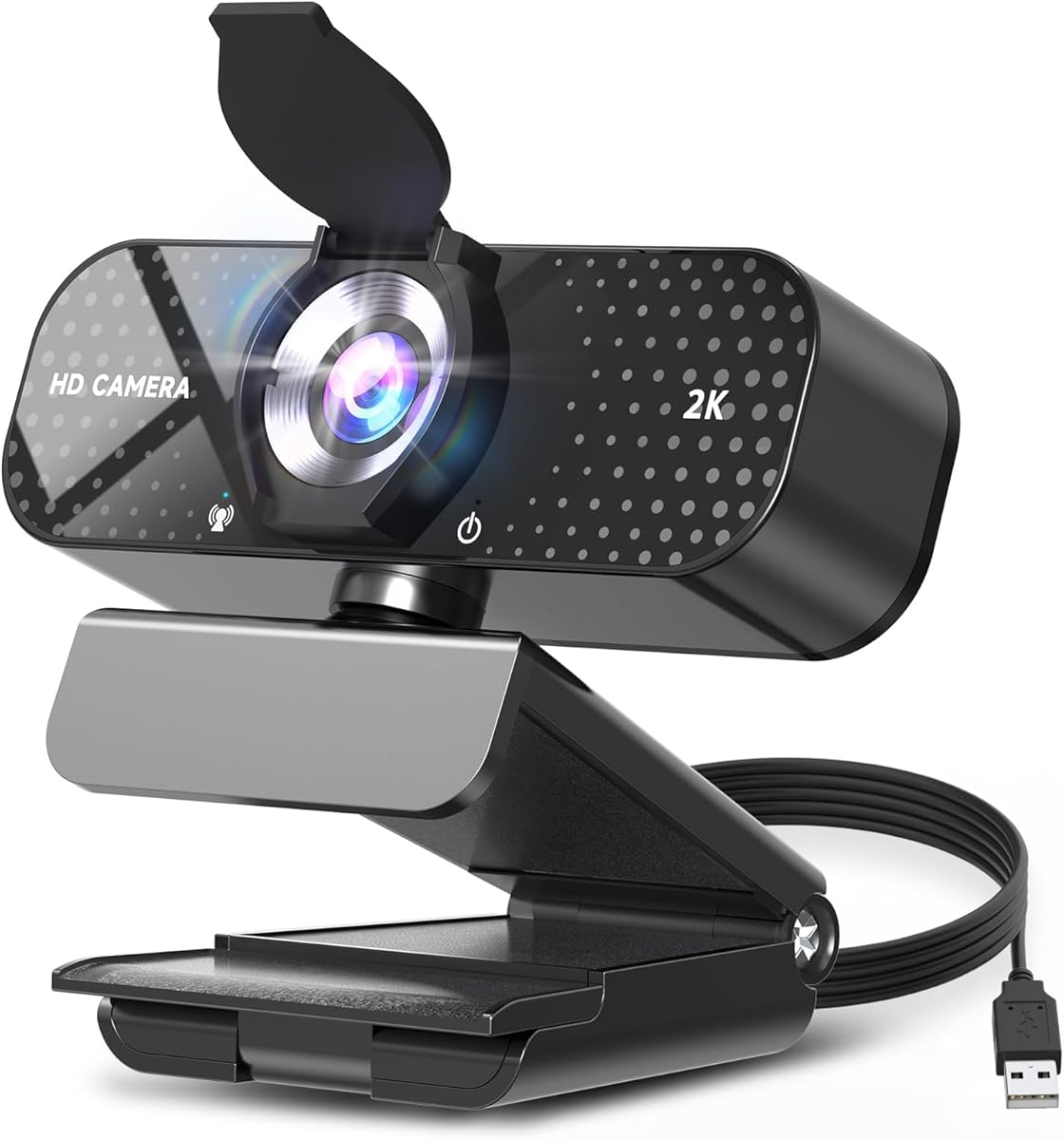
Hprosper delivers impressive 2K resolution at a remarkably low price point. It provides sharp visuals at 30fps suitable for small conferences. Automatic light correction ensures balanced brightness in various room conditions.
We may earn a commission when you buy through this link, at no additional cost to you.
The built-in noise-canceling microphone filters out background sounds effectively. A physical privacy cover protects the lens from unauthorized access. Setup requires no drivers for immediate plug-and-play convenience.
Wide compatibility covers Windows, Mac, and Android systems. It supports major apps like Zoom and Teams easily. The 360-degree rotation helps find the perfect angle for your space.
Budget buyers will appreciate the clear video and audio quality here. It serves as an excellent entry-level option for students and casual remote workers.
You get professional clarity without a high price tag. This makes advanced video features accessible to everyone.
Works seamlessly with major platforms and operating systems. This ensures flexibility for any user device setup.
We may earn a commission when you buy through this link, at no additional cost to you.
XOCLON offers a genuine 4MP sensor for true 2K QHD resolution. It avoids false interpolation ensuring cinematic precision in every frame. The PDAF autofocus ensures crisp stable focus for meetings and lectures.
We may earn a commission when you buy through this link, at no additional cost to you.
Dual AI noise-canceling microphones focus on your voice during remote collaboration. This eliminates background noise for crystal-clear communication. The 59-inch cable provides extended reach for desktop setups.
The minimalist design ensures it does not obstruct your high-definition display. Plug-and-play functionality supports Windows and Mac systems. This bridges distances effectively for business and online teaching.
Professional users benefit from the high sensor quality and accurate focus. It is a strong choice for those needing reliable image precision.
Genuine sensor technology ensures every detail is captured accurately. This prevents the grainy look of interpolated images.
Advanced autofocus prevents blurry footage during active sessions. You maintain a professional look even while gesturing.
We may earn a commission when you buy through this link, at no additional cost to you.
This webcam offers 2K resolution surpassing standard 1080P for better detail. It provides smooth video at 30fps for enhanced clarity. The built-in noise-reduction microphone ensures natural voice transmission every time.
We may earn a commission when you buy through this link, at no additional cost to you.
A movable privacy cover slides on for protection when not active. The 360-degree rotation lets you find the perfect view easily. An extendable base supports clamping to screens or placing on desks.
It works with Windows 7 through 11 and Mac OS 10.7+. Compatibility extends to major video software like Zoom and Google Meet. Setup is seamless requiring no additional drivers.
Ideal for gaming and streaming enthusiasts needing flexible angles. The hardware privacy feature adds a solid layer of security for home users.
Full rotation and adjustable base allow easy view changes. This flexibility fits any desk setup perfectly.
Higher resolution ensures fine details remain visible. This improves the quality of shared documents and faces.
We may earn a commission when you buy through this link, at no additional cost to you.
This webcam shines with sharp resolution and premium image quality. It has 1.78x more pixels than 1080P for lifelike visuals. Dual noise reduction combines hardware filters with AI to scrub pixel noise.
We may earn a commission when you buy through this link, at no additional cost to you.
A detachable privacy cover provides a physical barrier to block the lens. This prevents unauthorized surveillance from hacked systems effectively. The snug fit shields the lens from dust and scratches.
Use it right out of the box with no driver needed. Switch input device to USB webcam to activate it. Worry-free after-sales service offers free replacements for any problems.
It is perfect for users prioritizing data security and clarity. The AI noise reduction ensures pristine footage even in dim offices.
AI processing smooths digital noise for professional results. This keeps your look polished regardless of lighting.
Detachable covers offer better protection than software locks. This gives you total control over lens access.
We may earn a commission when you buy through this link, at no additional cost to you.
This webcam supports 2K resolution with manual focus for vivid images. It features a freely adjustable gooseneck stand for angle positioning. A physical sliding privacy cover protects the lens when not active.
We may earn a commission when you buy through this link, at no additional cost to you.
Noise-canceling microphone filters ambient noise ensuring voice clarity. Plug and play USB interfaces require no extra drivers. It captures detailed document images ideal for teaching or scanning.
The 110cm cable and desktop clamp ensure secure placement. Image flipping allows shooting from any angle easily. This flexibility makes it suitable for specialized tasks.
It is best for users needing manual control and document sharing. The sturdy design supports a variety of unique presentation needs.
Gooseneck allows effortless angle changes. This helps capture documents and presentations from any spot.
Image flipping lets you share materials easily. This is useful for teachers and online tutoring.
We may earn a commission when you buy through this link, at no additional cost to you.
This webcam delivers sharp 2K resolution and premium quality. It has 1.78x more pixels than 1080P for detailed visuals. Dual noise reduction merges hardware filters with AI software to scrub noise.
We may earn a commission when you buy through this link, at no additional cost to you.
A detachable privacy cover offers essential security and benefits. The snug fit stays in place to shield the lens. Plug-and-play setup works right out of the box.
Contact support for free assistance and replacements. Broad compatibility covers laptops, tablets, and smart TVs. High-res clarity adapts to offices and living rooms easily.
It suits general users needing reliable video and support. The combination of resolution and privacy features offers solid value for daily calls.
Worry-free service ensures you get help if needed. This gives confidence in your purchase decision.
Works for gaming and business meetings alike. This adaptability makes it a safe choice for most users.
We may earn a commission when you buy through this link, at no additional cost to you.
Selecting the right webcam involves evaluating sensor quality, audio capabilities, and privacy features. Understanding these factors ensures you get a device that meets your specific communication needs.
Resolution determines how sharp your image appears. 2K resolution offers more detail than standard 1080p. Look for CMOS sensors that avoid false interpolation for true clarity.
Prioritize models with 4MP sensors to ensure consistent quality.
FOV determines how much of your room the camera sees. Wider angles are better for group calls or showing objects. Narrower angles keep the focus on you.
Choose a 90-degree or wider FOV for flexible use.
Built-in microphones vary in clarity. Dual mics or noise-canceling chips block background sounds effectively. This ensures your voice is heard clearly.
Look for dedicated noise-reduction features for better audio.
Fixed focus keeps images sharp at set distances. Autofocus technology adjusts when you move. PDAF autofocus is faster and prevents hunting.
Choose autofocus if you move during calls often.
Light correction balances brightness in dim or bright rooms. Automatic adjustment prevents grainy or overexposed video. This is vital for home offices with windows.
Opt for models with auto light correction for consistency.
Physical privacy covers block the lens when not in use. They prevent unauthorized access more effectively than software. Look for sliders or detachable covers.
Ensure the webcam includes a physical privacy cover.
Mounting clips should grip monitors or laptops securely. Rotatable lenses or adjustable bases help find the right angle. Tripod threads add more setup options.
Check for 360-degree rotation for best positioning.
Plug-and-play setups work immediately without software. Ensure the device supports your operating system like Windows or Mac. USB-C adapters are useful for newer laptops.
Verify OS compatibility before purchase to avoid issues.
To start, connect the USB cable to your computer and select the external camera in your software settings. Ensure your lighting is positioned behind the camera for optimal results.
Keep the lens clean using a soft microfiber cloth to remove dust or smudges. Use the included privacy cover when you are not in calls to protect privacy.
Adjust the clip angle to eye level for a natural perspective. Check for firmware updates via the manufacturer site if supported to improve performance.
2K webcams offer higher resolution with more pixels per inch than 1080p. This results in sharper images and better clarity especially when zooming or sharing screens. They provide a more detailed visual experience overall.
Most modern webcams in this category feature plug-and-play functionality. They install automatically on Windows and Mac systems without extra drivers. Always check compatibility before purchasing for your specific OS version.
Built-in microphones in these models often include noise-canceling features. They filter background noise to capture clear voice audio effectively. For professional recording, an external mic might still be better.
Yes, these webcams are compatible with streaming platforms like OBS and Twitch. The 2K resolution ensures your viewers see high-quality video. Ensure your computer can handle the resolution without lag.
Budget models use basic autofocus or fixed focus. PDAF technology found in some models offers faster focusing. Fixed focus works well for steady desk setups without frequent movement.
Position your light source behind the camera facing you. This ensures your face is well-lit without glare. Natural light from a window behind you can also enhance video quality.
Physical privacy covers are highly recommended for added security. They prevent unauthorized lens access physically. Software privacy modes are useful but physical blockers are more reliable.
Most of these models support Windows, macOS, and Linux systems. Check the product details for specific version requirements. Plug-and-play features simplify setup across different operating systems.
Choosing the best 2K webcam depends on your specific needs for resolution and audio. The UGREEN 2K Webcam offers excellent value with its dual microphone and wide field of view.
Prioritize privacy features and light correction if you work in variable environments. Autofocus technology helps those who move during calls to maintain sharp visuals.
Prices may change frequently so always verify current deals before buying. Use these insights to find a reliable webcam that keeps you looking and sounding professional.