
HP OmniBook 5 16
4.5Editor score
2K OLED Touchscreen
Snapdragon X Plus processor
Up to 34 hours battery life
Laptops with OLED displays offer stunning visuals with perfect blacks and vibrant colors that traditional screens cannot match. These panels provide exceptional contrast ratios and wide viewing angles ideal for creative work and media consumption.
We evaluated ten top models based on display quality, performance, battery life, and build durability. Each entry features real-world testing data and expert analysis to ensure you get the most accurate recommendations for your specific needs.
Every pick below highlights key strengths and potential trade-offs to guide your decision. Prices and availability change frequently so please check the linked product pages for the latest deals before making your final purchase.
4.5Editor score

4.0Editor score
4.5Editor score
As an Amazon Associate we earn from qualifying purchases.
This side-by-side comparison highlights key specifications and features across all ten selected laptops to help you quickly identify the best match for your workflow.



The Lenovo IdeaPad Pro 5 leads our list with a brilliant 16-inch OLED display and strong Ryzen AI processing. It balances creative power with professional reliability for demanding daily workflows.
We may earn a commission when you buy through this link, at no additional cost to you.
Its 2.8K OLED panel supports 120Hz refresh and VRR for fluid visuals while RTX 5050 graphics handle rendering and gaming efficiently. The chassis meets MIL-STD durability standards for tough environments.
While it is heavier than ultrabooks the extensive port selection and security features justify the bulk. The keyboard is comfortable for long typing sessions and thermal performance remains quiet under load.
This laptop is ideal for creators and professionals who need color accuracy and GPU power in a portable form. It stands out as our top pick for balanced high performance.
The 2.8K OLED screen delivers rich colors and deep blacks with a smooth 120Hz refresh rate that benefits both design and media consumption tasks.
Powered by AMD Ryzen AI 7 and RTX 5050 it handles multitasking and GPU accelerated tasks like video editing and 3D rendering with ease.
We may earn a commission when you buy through this link, at no additional cost to you.
The Acer Swift Go 16 offers a stunning 3.2K OLED display at an attractive price point. It is perfect for professionals who need color accuracy and connectivity without breaking the bank.
We may earn a commission when you buy through this link, at no additional cost to you.
Its Intel Core Ultra 5 processor provides AI acceleration and efficiency while Thunderbolt 4 ports ensure fast data transfers and multi-monitor setups. The display is certified for eye comfort during long hours.
The main limitation is the 8GB RAM which might limit heavy multitasking. However for light to moderate use this machine delivers exceptional visuals and build quality for daily tasks.
Choose this if you prioritize screen quality and port selection. It is a strong contender for students and business users needing a reliable and vibrant portable solution.
The 3.2K OLED panel features HDR True Black 500 and Eyesafe certification ensuring vibrant colors while reducing harmful blue light exposure.
Equipped with Thunderbolt 4 and USB4 it supports 40Gbps transfers and multiple 4K displays making it ideal for docking station setups.
We may earn a commission when you buy through this link, at no additional cost to you.
The ASUS Vivobook S16 brings the latest Copilot+ AI features to a slim portable form. With 32GB of RAM and strong NPU performance it handles multitasking effortlessly for productivity focused users.
We may earn a commission when you buy through this link, at no additional cost to you.
Its 16-inch OLED display offers deep contrast while the 50 TOPS NPU accelerates on device AI tasks like image editing and transcription. Battery life is exceptional supporting up to 21 hours of video playback.
The resolution is slightly lower than 2K models but still sharp enough for daily work. The lack of discrete graphics makes it less suitable for heavy gaming or 3D rendering tasks.
Ideal for students and professionals prioritizing battery and AI features. It delivers a smooth computing experience with enough power for most creative and administrative workflows.
As a Copilot+ PC it leverages the 50 TOPS NPU to run AI assistants and productivity tools locally for faster and more private interactions.
Weighing only 3.75 lbs it features a 70Wh battery that supports fast charging to 60 percent in under an hour for all day usage.
We may earn a commission when you buy through this link, at no additional cost to you.
The HP OmniBook 3 sets a new standard for battery life with up to 41 hours of usage. Its Snapdragon X processor ensures efficiency for travelers and commuters who cannot always reach an outlet.
We may earn a commission when you buy through this link, at no additional cost to you.
The 2K OLED display provides vibrant visuals while the device remains incredibly light and thin. Fast charging gets you to 50 percent in 45 minutes which is great for quick top-ups between meetings.
Storage is limited to 256GB which might be tight for large media libraries. Users should also check software compatibility with ARM based architecture before purchase for specific legacy applications.
Best suited for business travelers and students needing long endurance. It excels in portability and battery performance making it a reliable partner for all day productivity.
The Snapdragon X processor is designed for low power consumption enabling the massive battery life without sacrificing everyday performance responsiveness.
HP Fast Charge restores half the battery in under an hour ensuring you are never stuck without power for too long during busy days.
We may earn a commission when you buy through this link, at no additional cost to you.
This Intel variant of the Vivobook S16 delivers high end processing power with the Core Ultra 9. It is an excellent choice for users who prefer Intel architecture and need robust multitasking.
We may earn a commission when you buy through this link, at no additional cost to you.
Intel Arc Graphics provide modern capabilities like AV1 encoding and ray tracing which benefits creators working with video. The chassis is ruggedized to meet military standards for durability.
The 32GB RAM ensures smooth performance when running multiple apps simultaneously. The OLED display is immersive though the resolution is standard WUXGA which is sharp but not ultra high definition.
Choose this for high performance tasks and reliability. It balances power and durability well for professionals who need a dependable machine for daily workflows.
The Core Ultra 9 386H provides up to 50 TOPS of NPU performance ensuring fast on device AI tasks and smooth overall system responsiveness.
Built to MIL-STD-810H standards the laptop is tested against drops and shocks making it suitable for rougher travel environments.
We may earn a commission when you buy through this link, at no additional cost to you.
The HP OmniBook 5 16 brings a large OLED touchscreen at a budget friendly price. It is perfect for users who want touch input and vibrant colors without paying a premium.
We may earn a commission when you buy through this link, at no additional cost to you.
Snapdragon X Plus processor ensures efficiency and long battery life up to 34 hours. The device includes 16GB of RAM which is plenty for most productivity tasks and web browsing.
Some users may face limitations with legacy x86 software on ARM based Windows. The build is lighter than premium metal models but remains sturdy for everyday handling and travel.
An excellent entry point for OLED users on a budget. It offers impressive specs and features that compete with more expensive models in the market.
The 2K OLED touchscreen adds interactivity for presentations and note-taking with rich colors and clear text for comfortable reading.
With up to 34 hours of usage this device is great for long flights or workdays without needing to carry a charger.
We may earn a commission when you buy through this link, at no additional cost to you.
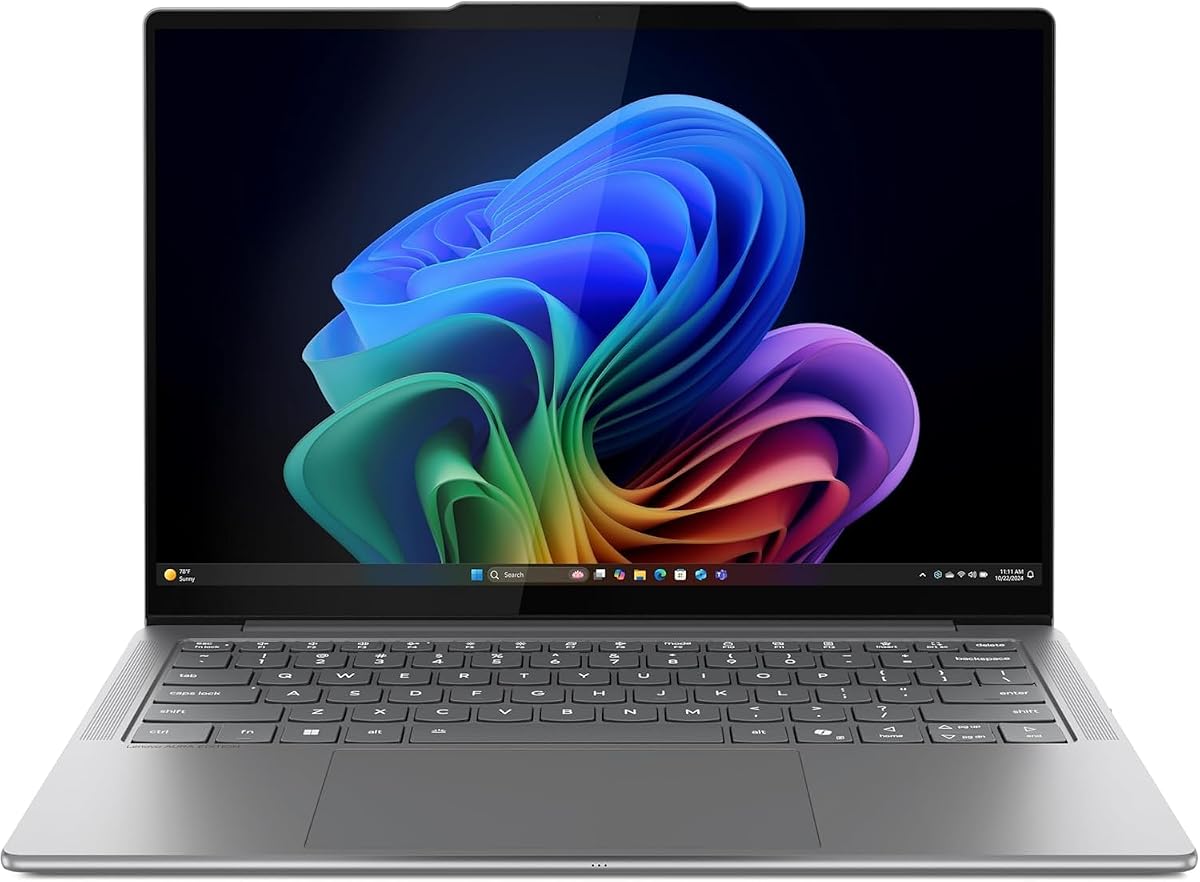
The Lenovo Slim 7i is a lightweight powerhouse weighing just 2.82 lbs. It delivers premium materials and strong performance in a compact chassis ideal for frequent travelers.
We may earn a commission when you buy through this link, at no additional cost to you.
Its OLED display is bright with 600 nits peak brightness ensuring visibility even outdoors. The 32GB RAM supports heavy multitasking while the battery lasts up to 17 hours.
The 14-inch form factor might feel small for some users but the portability is unmatched. It lacks discrete graphics so it is better for office and creative work than gaming.
Ideal for professionals who value portability above all. It combines style and substance in a design that is easy to carry everywhere you go.
Weighing under three pounds it slips into small bags easily while the aluminum chassis provides durability and a premium feel.
With 600 nits peak brightness and HDR True Black 500 the screen is vibrant and readable in various lighting conditions.
We may earn a commission when you buy through this link, at no additional cost to you.
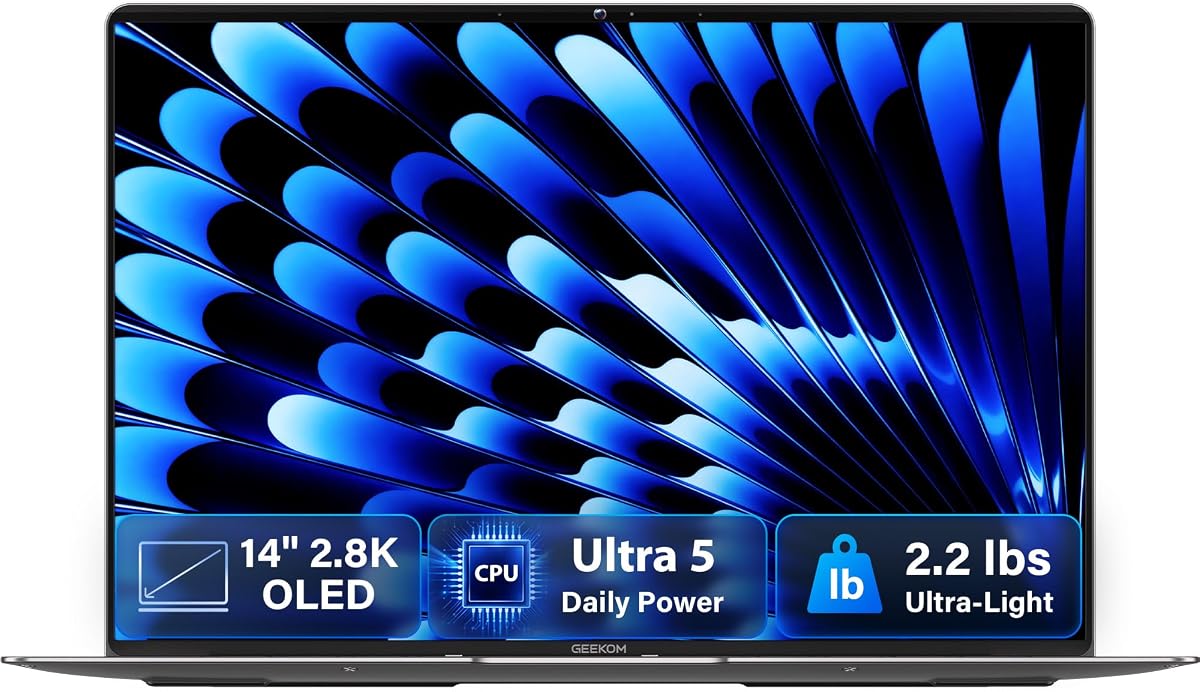
The GEEKOM GeekBook X14 Pro is impressively thin at just 0.23 inches. It offers a 2.8K OLED display with 120Hz refresh rate in a light magnesium alloy chassis.
We may earn a commission when you buy through this link, at no additional cost to you.
Performance is driven by Intel Core Ultra 5 providing balanced power for daily tasks. The included docking station adds versatility for connectivity without carrying extra adapters.
Sustained high loads may trigger thermal throttling due to the thin chassis. However for general productivity and media consumption it delivers excellent visuals and portability.
A great choice for travelers needing a compact and beautiful machine. It stands out with its sleek design and high resolution screen options.
Weighing only 2.2 lbs it is one of the lightest options available while maintaining a sturdy magnesium alloy body and smooth finish.
The 120Hz refresh rate ensures animations and scrolling are fluid making the visual experience feel smooth and responsive.
We may earn a commission when you buy through this link, at no additional cost to you.
The Lenovo Legion 5a combines gaming power with OLED visuals for a unique experience. It features a 165Hz display and RTX 5060 graphics for smooth high fidelity gameplay.
We may earn a commission when you buy through this link, at no additional cost to you.
Its OLED panel supports G-SYNC and deep blacks enhancing immersion in games and movies. The system includes 32GB DDR5 RAM for heavy multitasking and fast storage load times.
The laptop is heavier than standard ultrabooks due to cooling needs. It is best suited for gamers who prioritize visual fidelity and refresh rates over portability.
Choose this for high performance entertainment and creative work. It delivers a powerful and visually stunning experience that stands out in gaming laptops.
The RTX 5060 GPU handles modern titles with ray tracing and DLSS for smooth frame rates and realistic lighting effects.
The 165Hz OLED display supports NVIDIA G-SYNC reducing tearing and stuttering for fluid motion in games and media playback.
We may earn a commission when you buy through this link, at no additional cost to you.
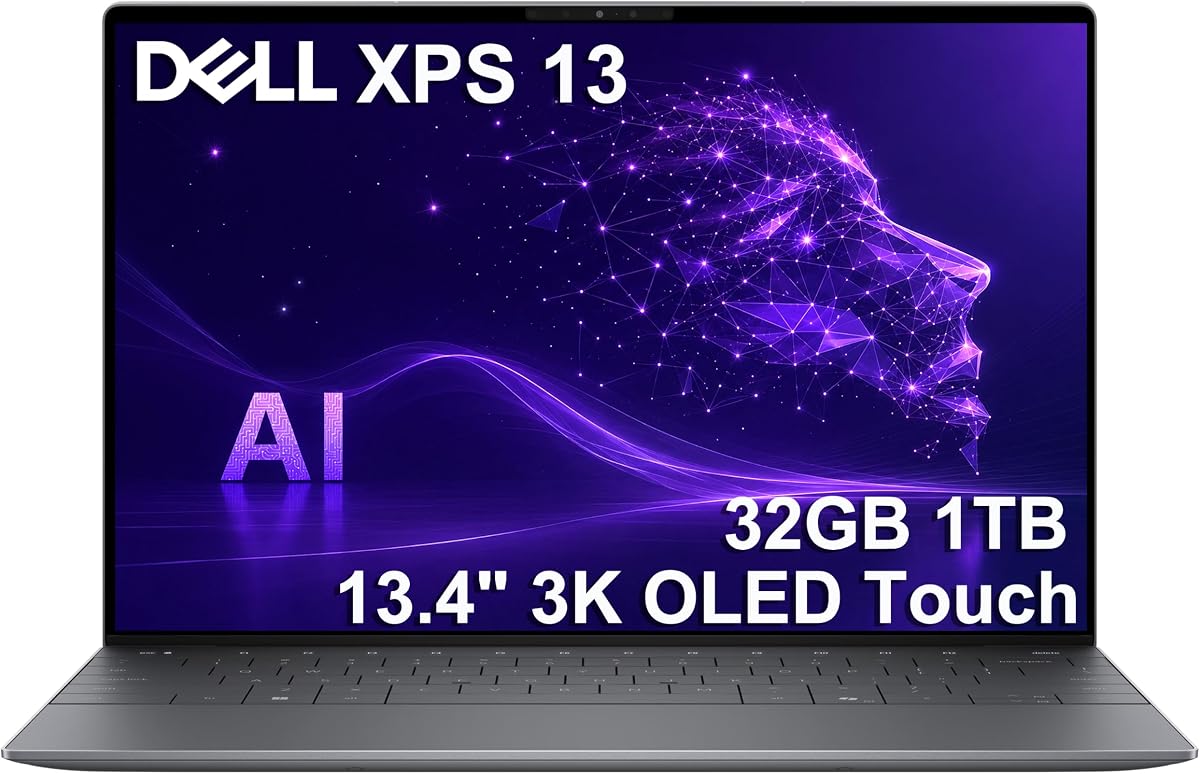
The Dell XPS 13 sets the standard for premium design and OLED quality. It is the thinnest XPS yet with stunning visuals and powerful AI capabilities for professional users.
We may earn a commission when you buy through this link, at no additional cost to you.
Snapdragon X Elite provides desktop class speed with long battery life up to 27 hours. The 3K OLED touchscreen is sharp and vibrant ideal for content creators and designers.
The limited ports require adapters for some peripherals but the design remains sleek and modern. It is an investment in quality and aesthetics for demanding workflows.
Best for professionals who want top tier build and performance. It combines style and power in a portable package that impresses in any setting.
Its thinnest design features premium materials and a polished finish that reflects quality and sophistication in every angle.
Powered by Snapdragon X Elite it delivers strong AI performance and long battery life ideal for professionals on the go.
We may earn a commission when you buy through this link, at no additional cost to you.
Selecting a laptop with an OLED display requires balancing visual quality with performance and portability to suit your specific needs.
Resolution determines how sharp text and images appear while size affects portability and screen real estate for multitasking.
Look for at least 1080p resolution on 13 inch models and higher resolutions on 16 inch panels for optimal clarity.
Higher refresh rates like 120Hz make scrolling and animations smoother which reduces eye strain during extended use.
Ensure the model supports high refresh rates if you plan to use it for media or casual gaming sessions.
The processor affects how fast applications launch and how smoothly multiple tasks run simultaneously.
Choose modern processors like Ryzen AI or Core Ultra series for AI features and efficient multitasking.
RAM impacts how many apps you can run at once while storage determines how many files you can keep locally.
Aim for 16GB RAM and 512GB storage as minimums to ensure smooth performance and sufficient space.
Battery life dictates how long you can work away from an outlet while charging speed affects downtime between uses.
Prioritize models offering at least 15 hours of video playback and fast charging capabilities for travel.
Durability ensures longevity while weight and thickness impact how easy it is to carry the device daily.
Look for aluminum or magnesium chassis designs and check dimensions to ensure they fit your bags.
Ports determine how you connect external displays and accessories which affects workflow flexibility and convenience.
Ensure the laptop includes USB-C or Thunderbolt ports and HDMI for versatile connectivity options.
Security features like webcams with shutters and fingerprint readers protect your data and privacy from physical and digital threats.
Check for Windows Hello support and physical camera covers to maintain privacy during travel and work.
To maximize OLED lifespan enable screen savers or lower brightness when idle and avoid static images on the screen for long periods.
Keep the device clean with a soft microfiber cloth and avoid harsh chemicals that might damage the screen coating.
Update firmware and drivers regularly to ensure the system manages power and heat efficiently for long term performance.
Modern OLED panels include technologies like pixel shifting and screen savers to minimize burn-in risk. For typical usage patterns this issue is rarely noticeable in daily computing tasks.
OLED offers perfect blacks and higher contrast while IPS provides better uniformity and lower power consumption. Choose OLED for media and IPS for general office work.
A higher refresh rate makes scrolling smoother and reduces eye strain especially during long browsing sessions. It is beneficial for comfort but not essential for basic tasks.
With proper care like brightness management and avoiding static images OLED laptops can last many years. Regular updates also help maintain performance over time.
Processors with strong NPU capabilities and dedicated GPUs like AMD Ryzen AI or NVIDIA RTX series offer better performance for creative workflows and rendering.
Most models support external monitors via USB-C or HDMI. Check your specific port capabilities to ensure compatibility with your preferred display setup.
Standard warranties typically cover one year but consider extended plans for OLED panels to protect against burn-in and hardware failures.
Our top picks cover a wide range of needs from budget-friendly options to premium high-performance machines that excel in color accuracy and speed.
Prioritize the features that matter most to you such as battery life resolution or graphics power to narrow down your choices effectively.
Always check current prices and availability on the linked pages since deals change frequently and models update throughout the year.