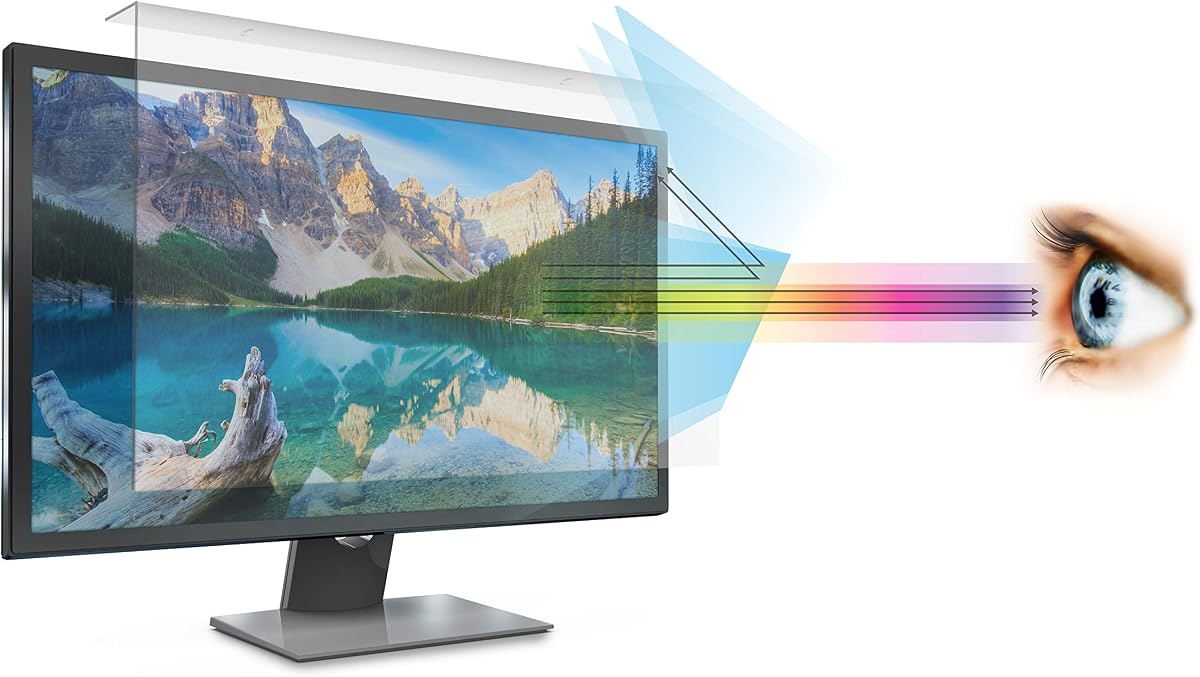
Anti Blue Light Screen filter for 21 and 22 Inches Widescreen Desktop Monitor
4.4Editor score
Blocks 80 percent blue light
Fits 21 to 22 inch
Acrylic construction durable
Modern digital life demands long hours staring at screens, which can lead to significant eye strain and discomfort. An eye friendly monitor protector helps mitigate these issues by filtering harmful light and reducing glare effectively.
We evaluated ten leading products based on their filtration capabilities, ease of installation, and overall impact on visual comfort. Each entry offers unique features tailored to different monitor sizes and specific user needs.
Every selection highlights key specifications and benefits to help you make an informed decision quickly. Remember that pricing and availability can fluctuate, so verify details before finalizing your purchase online.
4.4Editor score

4.4Editor score

4.2Editor score
As an Amazon Associate we earn from qualifying purchases.
This side-by-side comparison details the core specifications and benefits of each selected monitor protector to help you find the perfect fit for your display setup and vision health goals.

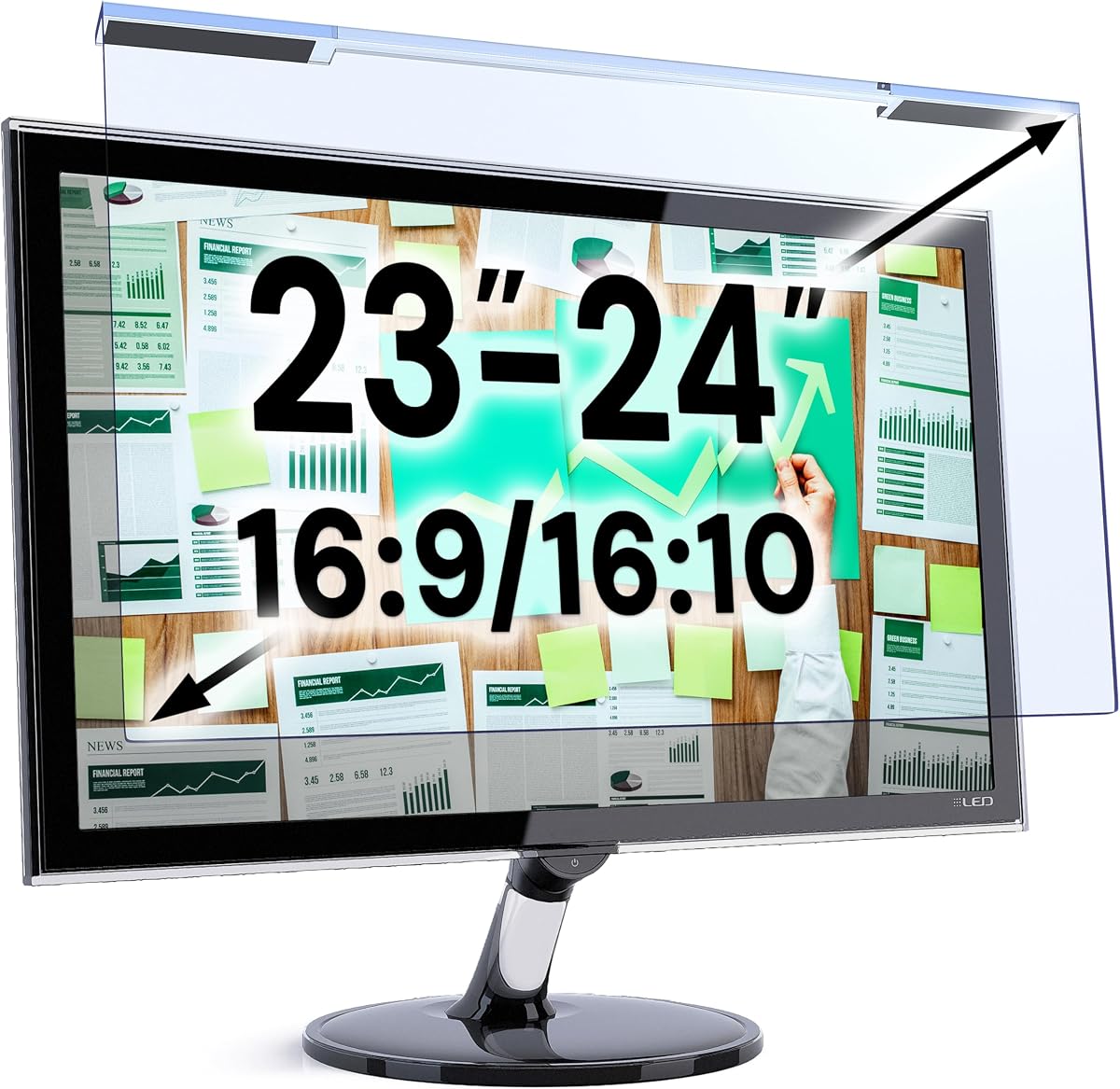


This protector stands out for its balance of eye protection and clarity. With a rating of 4.4 it offers solid performance for daily use. The design ensures that the screen remains bright while filtering harmful light effectively.
We may earn a commission when you buy through this link, at no additional cost to you.
It blocks 45 percent of blue light between 420 and 460nm to reduce eye strain. The acrylic material protects the screen from scratches and dust without darkening the display. This makes it suitable for office work or coding sessions.
The fixed dimensions require careful measurement before purchase. It works well with many 24 inch models but may not fit others perfectly. Users should check their screen diagonal to ensure compatibility.
Ideal for users seeking clear visual fidelity without privacy features. This product is highly recommended for home offices or personal setups where privacy is less critical than visual comfort.
The film blocks 45 percent of blue light and 99 percent of UV rays to shield eyes from harmful radiation during long hours of screen use.
Made from durable acrylic this protector prevents scratches and dust accumulation while keeping the screen clear and free from fingerprints.
We may earn a commission when you buy through this link, at no additional cost to you.
This product offers dual functionality with eye protection and privacy features. It includes two filters for multiple users or replacement needs. The advanced technology blocks side visibility while reducing harmful light exposure.
We may earn a commission when you buy through this link, at no additional cost to you.
The microlouver technology blocks visibility at around 30 degrees ensuring data confidentiality. It also filters 99.9 percent of UV rays and suppresses 98 percent of blue light. This dual action supports eye health and security.
The reversible design allows switching between matte and glossy finishes. Matte minimizes glare while glossy offers better privacy. However installing tabs or adhesive strips might feel tricky for first-time users.
Best for professionals working in open offices or traveling. Choose this if you need both data security and eye comfort in one solution.
Advanced microlouver tech limits visibility at 30 degrees ensuring confidential information stays private in public or shared workspaces.
The reversible film lets you choose between matte for glare reduction or glossy for better privacy depending on your current environment.
We may earn a commission when you buy through this link, at no additional cost to you.
This filter provides robust protection for 23 to 24 inch monitors. It claims to eliminate hazardous UV and HEV light effectively. Users report better sleep and reduced headaches with regular use.
We may earn a commission when you buy through this link, at no additional cost to you.
It uses a 100 percent multi-layer system to block harmful light without distorting the picture. The design ensures full visible colors remain intact. This is ideal for creative work where color accuracy matters.
It lacks anti-glare or privacy functions which might limit versatility. However for users focused purely on eye strain relief it delivers strong results. The quick install method makes setup straightforward.
Recommended for Apple users or those needing color fidelity. It is a solid choice for improving sleep quality after evening screen sessions.
Ten layers of protection eliminate hazardous UV and HEV light to prevent eye strain and headaches without distorting the screen image.
Blocking blue light helps regulate natural sleep cycles allowing users to enjoy better rest after long hours in front of the screen.
We may earn a commission when you buy through this link, at no additional cost to you.
This protector targets 23 to 24 inch monitors and laptops with high flexibility. It blocks 61 percent of blue light to reduce strain. The lifetime replacement policy adds value for long-term use.
We may earn a commission when you buy through this link, at no additional cost to you.
It filters 99 percent of UV light and uses patent pending tech for clarity. The matte film protects against scratches and dust effectively. Installation involves peeling off protective films on both sides.
The lack of anti-glare might be a drawback in bright rooms. But the wide compatibility and replacement policy make it reliable for many users. Check dimensions carefully before buying.
Great for laptop and desktop users needing broad support. The lifetime guarantee offers peace of mind against accidental damage or wear.
US and international patent rights ensure advanced blue light blocking between 420 and 460nm while maintaining image clarity for all users.
Damaged screens receive free replacement extending the product lifespan and ensuring continuous eye protection without additional costs.
We may earn a commission when you buy through this link, at no additional cost to you.
This pack includes two screens with flexible mounting solutions. It supports raised and non-raised bezel monitors effectively. The double-sided surface allows choosing between matte or glossy finishes.
We may earn a commission when you buy through this link, at no additional cost to you.
Optical materials from Japan reduce 92 percent of blue light and 98 percent of UV rays. The reinforced layer protects against scratches while maintaining HD quality. Users can install it in nine seconds with proper steps.
Some users might find the privacy function dims the screen too much. However the removable feature offers convenience for quick removal. Verify your monitor dimensions to avoid fit issues.
Ideal for business or healthcare settings needing secure screens. The two-pack ensures you have a backup ready for replacement or extra setups.
This filter offers matte for anti-glare or glossy for privacy by flipping the protector allowing flexible use based on lighting conditions.
Two installation choices ensure compatibility with both raised bezel and full-screen monitors so users can install without permanent adhesive.
We may earn a commission when you buy through this link, at no additional cost to you.
Designed specifically for 27 inch monitors this screen ensures a perfect fit. It limits viewing angles to plus or minus 28 degrees for privacy. The reversible surface gives flexibility in glare management.
We may earn a commission when you buy through this link, at no additional cost to you.
It blocks 92 percent of blue light and 98 percent of UV rays using imported materials. The high-transparent layer ensures HD picture quality. Lifetime support adds reliability for any purchase issues.
Privacy features might darken the screen making it less ideal for color work. But for open offices it provides essential data security. Installation is straightforward with tabs or adhesive strips.
Best for professionals with large screens needing privacy. Use it in shared spaces to safeguard sensitive data from prying eyes.
Revolutionary micro-louver tech restricts side visibility to 28 degrees ensuring confidential information remains secure from anyone trying to peek.
Switch between matte for reduced glare or glossy for privacy depending on your needs without purchasing a new screen protector.
We may earn a commission when you buy through this link, at no additional cost to you.
This protector uses Japanese Fujimori nano-optical stacking technology for effectiveness. It blocks 90 percent of blue light and 98 percent of UV rays. The 8H reinforced acrylic ensures durability and scratch resistance.
We may earn a commission when you buy through this link, at no additional cost to you.
The ultra-thin 2mm design allows explosion-proof protection. It is ideal for gaming or learning setups needing eye strain reduction. The hanging type installation is easy and straightforward for users.
It does not support iMac screens which limits compatibility. Users should measure diagonal size without edges before ordering. The technology helps prevent myopia and dryness effectively.
Recommended for users needing high durability and nano-tech benefits. It fits curved monitors making it versatile for modern display setups.
Nano-optical stacking technology effectively blocks blue light and UV radiation to prevent eye strain and improve sleep quality.
The 8H hardness ensures scratch resistance and durability while protecting your screen from dust and everyday wear and tear.
We may earn a commission when you buy through this link, at no additional cost to you.
This protector targets 24 inch monitors and touchscreens with precision. It features an anti-glare matte coating to reduce strong light reflections. The oleophobic coating repels oil and sweat for easy cleaning.
We may earn a commission when you buy through this link, at no additional cost to you.
It blocks 100 percent of hazardous UV light and filters HEV blue light. This design reduces visual interference under bright conditions. Zero input lag ensures smooth performance for gaming or typing.
The lower rating indicates some fit or clarity issues. Users should verify dimensions carefully before purchasing. It works well for those needing glare reduction on touch devices.
Ideal for users needing touch compatibility and anti-glare benefits. Choose this for bright rooms or creative work requiring clarity.
High hardness and oil-repellent technology keep the screen clean from sweat and oil allowing easy restoration with a clean cloth.
Reduces visual interference from screen glare under bright light conditions ensuring a clearer view and less eye strain.
We may earn a commission when you buy through this link, at no additional cost to you.
This filter is designed for 21 and 22 inch monitors with precision. It blocks 80 percent of harmful blue light to reduce eye fatigue. The package includes a blue light testing kit for verification.
We may earn a commission when you buy through this link, at no additional cost to you.
It attaches securely without adhesives allowing easy on-off installation. The acrylic material protects the screen from dust and scratches. This makes it suitable for frequent removal or temporary use.
Users must ensure their monitor matches the dimensions exactly. The limited size range might not suit larger displays. But for smaller setups it offers good protection at a reasonable price.
Recommended for students or budget users with smaller screens. The included testing kit adds confidence in its blocking capabilities.
Each set comes with a blue light testing kit allowing you to verify the filter performance and effectiveness before full use.
Attach easily to your monitor bezel without needing adhesive strips making it simple to put on or take off whenever needed.
We may earn a commission when you buy through this link, at no additional cost to you.
This pack provides two filters for 27 inch monitors at a competitive price. It blocks 98 percent of blue light and 99 percent of UV rays. The washable design allows easy cleaning and reuse.
We may earn a commission when you buy through this link, at no additional cost to you.
The light transmission rate of 90 percent maintains image clarity without reducing brightness. It is removable and washable for long-term use. The 1-year warranty adds assurance for buyers.
Installation is straightforward without plastic tabs or tape. It supports curved monitors well for modern displays. Some users might find the basic design less premium but functional.
Ideal for families needing multiple screens protected. The two-pack ensures you have a spare ready for rotation or replacement.
Ninety percent light transmission ensures image clarity without reducing screen brightness while maximizing the life of your monitor.
The design allows removal and washing to restore a like-new condition after prolonged use in dusty environments.
We may earn a commission when you buy through this link, at no additional cost to you.
Selecting the right protector requires evaluating compatibility, filtering capabilities, and additional features like glare reduction or privacy.
Always measure your screen diagonal without the bezel to find the right size. Protectors often specify exact dimensions like 23 to 24 inches or 27 inches.
Choose a size matching your monitor width and height to avoid gaps or overhang.
Look for filters blocking at least 80 percent of blue light to reduce eye strain effectively. Higher percentages like 98 percent offer stronger protection.
Check if the blocking covers the 420 to 460nm range specifically for harmful HEV light.
Ensure the protector filters 99 percent or more of UV rays to prevent long-term eye damage. Most quality products advertise this clearly.
UV blocking adds extra safety for sensitive eyes during prolonged usage.
If you work in bright rooms, select a model with anti-glare coating. Privacy filters add an extra layer of security in shared spaces.
Decide whether you need privacy or glare reduction based on your environment.
Some protectors use adhesive tabs while others rely on slide mounts. Choose based on your preference for permanent or removable installation.
Non-adhesive options allow easier removal if you need to clean or change the screen.
Acrylic or reinforced materials resist scratches and dust better. Look for 8H hardness ratings for added toughness.
Durable materials ensure the protector lasts longer without needing replacement.
Check if cleaning kits or testing tools are included. A 2 pack offers better value for multiple monitors.
Extra accessories like cleaning cloths add convenience for maintenance.
Opt for brands offering lifetime replacements or multi-year warranties. Good support ensures you get a refund if issues arise.
Strong warranty terms reduce risk when investing in eye protection.
Begin by measuring your screen diagonal accurately without the bezel. Clean the monitor surface thoroughly to remove dust before applying the protector.
Peel off protective films on both sides gently to avoid fingerprints. Install the protector using adhesive tabs or slide mounts as per instructions.
Clean the surface regularly with a soft cloth. For reusable models, wash them with mild soap and air dry before reinstalling.
Yes many high-quality filters block up to 98 percent of blue light and 99 percent of UV rays. This helps reduce eye strain and headaches during long screen sessions.
Most flexible acrylic protectors work on curved monitors. Always check the product specifications to ensure compatibility with your screen curvature and size.
Privacy screens use microlouver technology which may slightly reduce brightness. This ensures data security but might require you to increase monitor brightness settings.
Clean the screen thoroughly and apply slowly from one edge. If adhesive tabs are used align them carefully before pressing down to avoid trapped air.
Many acrylic models are washable and reusable. Clean them with a soft cloth and mild soap to restore clarity and extend their lifespan.
High-quality filters maintain full visible colors and do not distort images. Look for models promising minimal impact on color for precise work.
We highlighted ten reliable options ranging from basic filters to advanced privacy screens. Top picks like MOSISO and VizoBlueX offer strong protection without compromising clarity.
Focus on size compatibility and blue light blocking percentage first. Adding privacy or anti-glare features depends on your specific workspace needs and daily habits.
Verify current availability and pricing before purchasing. Regular maintenance will ensure your protector performs well for years to come.